

















A social media calendar sticks when it does three jobs: it holds the content, it publishes it, and it gets looked at on a fixed day. Most calendars fail because they only do the first. Follow four rules and the calendar becomes the place work happens, not a document you update out of guilt.
TLDR: One calendar that also publishes. Two dates per post besides the publish date. A 30-minute planning slot every week. A short "what did not ship" review each Friday.
Why calendars die in week three
The pattern is the same everywhere. Week one, the spreadsheet is beautiful. Week two, a post goes out that was never added. Week three, the calendar and reality disagree, and nobody trusts it.
Two causes show up again and again:
- Double entry. If you plan in one place and publish in another, you will skip updating one of them. It is a matter of when, not if.
- No ritual. A calendar nobody is scheduled to open is a poster on a wall.
Everything below targets those two causes.
Rule 1: the calendar must be the place posts get published
If you have to retype a caption to schedule it, the plan and the real schedule drift apart. Put planning and publishing in the same tool, so a post on the calendar is the scheduled post.
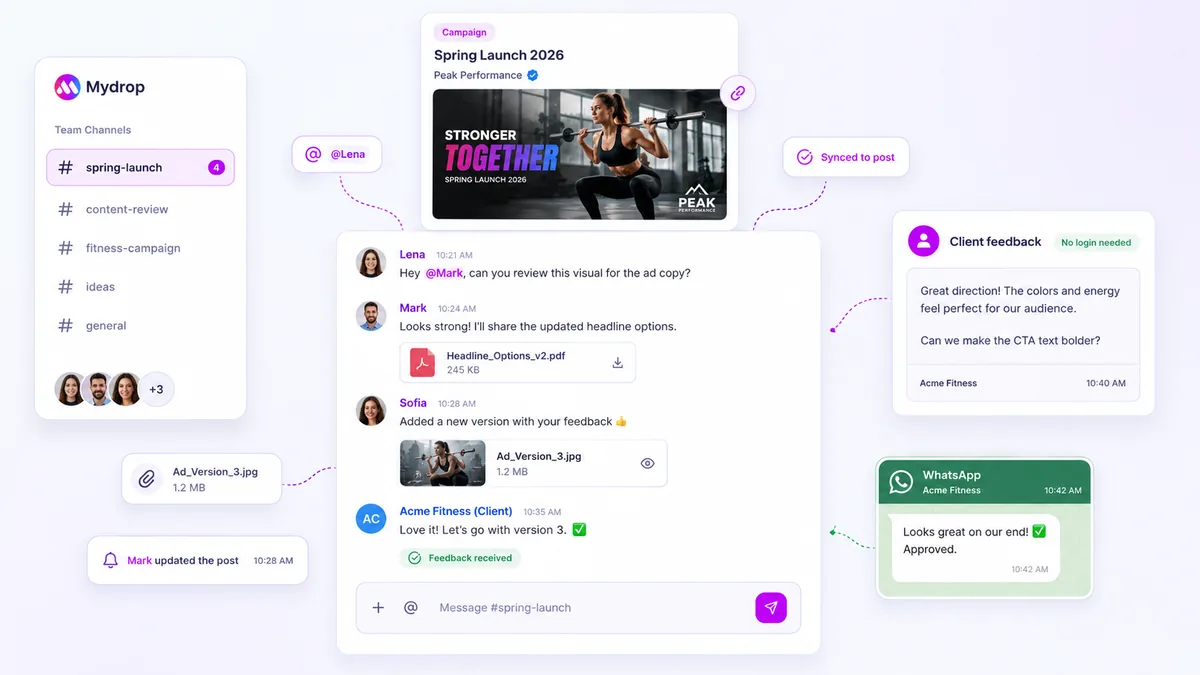
In Mydrop, the social media calendar shows drafts, approved posts and scheduled posts in one view, across brands and channels. Moving a card moves the post. That is what keeps it honest.
If you are leaving a spreadsheet or a board tool behind, this comparison of calendar tools shows what to look for. And replacing a planning board with publishing covers the move step by step.
Rule 2: give every post three dates, not one
A single "publish on Thursday" date hides the real deadlines. Add two earlier ones:
| Date | What it means | Typical gap before publish |
|---|---|---|
| Draft due | Caption and visual exist | 3 working days |
| Approval due | Someone with authority has said yes | 1 to 2 working days |
| Publish | The post goes live | Day 0 |
When a post is late, you can now see which step slipped. Most "missed deadlines" are late drafts, which are invisible if the only date on the card is the publish date.
On posts that need client sign-off, Mydrop's data shows the median approval came back in 6 hours, and two thirds within 24 hours. That sample is small, so treat it as a rough guide, but it suggests a one-day approval buffer is realistic for most teams.
Rule 3: hold one 30-minute planning slot every week
Pick the same day and time, and protect it. A workable agenda:
- Five minutes: check what published last week and what slipped.
- Fifteen minutes: fill the next two weeks. Lock week one, sketch week two.
- Ten minutes: assign owners and set the draft and approval dates.
Lock week one on purpose. If everything is editable until the last minute, nothing is ever finished. The sketch for week two can change freely.
Plan two weeks, not a month. A month of detailed plans is usually rewritten before it is used, and rewriting is the quiet reason people stop opening the calendar.
Rule 4: end every week with a "did not ship" list
On Friday, spend five minutes listing posts that missed their date and write one reason next to each. Not to assign blame, but to see patterns. Reasons usually cluster:
- Waiting on a visual means the draft date is too late.
- Waiting on approval means the approver needs a reminder or a shorter queue. Our post on automating approval reminders has a three-step nudge schedule.
- No idea ready means the planning slot needs an ideas bucket kept topped up.
After four weeks, one reason will dominate. Fix that one thing.
Keep an ideas bucket outside the dated grid
A calendar full of fixed dates leaves no room for a good idea that arrives on Tuesday. Keep a short "unscheduled" list beside the calendar. In the weekly slot, pull from it to fill gaps. This is also where AI post ideas can help: Mydrop can draft a handful from your brand's past posts, and you keep the ones that sound like you.
Set up the calendar in 30 minutes today
- Pick one tool that both plans and publishes.
- Add next week's posts with a draft, approval and publish date.
- Put a recurring 30-minute slot in everyone's real calendar.
- Add a Friday five-minute review.
You can do this in a free Mydrop account: create yours here and connect one channel to start.


 Google review
 Trustpilot review
 Product Hunt comment





