






























A social media collaboration tool earns its keep when three things stop happening: feedback turning up by email, someone publishing the wrong version of a caption, and an account manager spending Monday morning chasing who approved what.
Every tool below handles scheduling perfectly well. What actually matters to an agency is narrower than the feature pages let on: where a comment lands, whether your client needs a login, and how well one tool keeps twelve brands from bleeding into each other.
TLDR: For agencies, Mydrop is the strongest pick because comments sit on the individual post, each client gets an isolated workspace, and clients approve from a link without an account. Planable suits teams who prefer feed-style review, Sendible suits white-label reporting, Sprout Social suits enterprise budgets.
Mydrop pricing check, September 2026: the entry paid plans of the eight tools most often compared with Mydrop run from $6 per channel (Buffer) and $25 a month (Later) to $99 per user (Hootsuite) and $199 per seat (Sprout Social), read on each vendor's pricing page. Mydrop is free to start, then $19 a month flat, not per seat. Full table on Mydrop's compare pages.
The four criteria that decide this
Most comparison posts hand you a 30-row feature grid. In practice, a social media collaboration tool either passes these four checks or it creates work:
- Comments attach to the post, not the channel. "Swap the second image" has to live on the post it refers to. In a Slack channel, it is a screenshot with no context by Thursday.
- Each client sits in its own workspace. Separate calendars, separate assets, separate permissions. One shared space with a naming convention is not client separation, it is a leak waiting to happen.
- Reviewers do not need a paid seat. The moment a reviewer or client has to be licensed, review turns into procurement and everything slows down.
- Approved work publishes from the same tool. If approval happens in one app and scheduling in another, someone re-enters the content by hand, and that hand makes mistakes.
Anything a vendor pitches beyond these is a preference. Run a shortlist against the four and most of them fall away quickly.
The 7 best social media collaboration tools for agencies

1. Mydrop: best for agencies running many client brands
Mydrop builds collaboration around the post and the brand rather than around a chat channel.
- Workspaces per client. Each brand gets its own workspace: calendar, drafts, assets, analytics, and a member list that cannot see the others.
- Roles and post-level comments. Strategist, designer, and account manager work the same draft, and the discussion stays pinned to it.
- One shared calendar. The whole team sees the content calendar with draft, pending, approved, and scheduled states visible at a glance.
- Clients review without an account. A portal link shows platform-accurate previews; the client approves or comments from a phone.
- Assets arrive in the draft. Canva and Google Drive files attach to the post, so the version under discussion is the version that goes out.
- Publishing in the same place. Approved posts go live across 9 platforms: Instagram, TikTok, LinkedIn, Facebook, YouTube, Pinterest, Threads, X, and Google Business Profile.
You can start free and move one client in this week to test it against your current stack.
Watch out: if your agency needs enterprise SSO and a formal legal sign-off chain, look at the compliance-first tools in our client approval software comparison.
2. Planable: best feed-style review
Posts sit in a mock feed and the team comments directly on them, with approval levels you can set per client. Review feels like scrolling the actual channel, which non-marketers grasp instantly.
Watch out: everyone works inside Planable, and workspace-based pricing climbs as the client roster grows.
3. Agorapulse: best when collaboration includes the inbox
Strong shared inbox with assignment and internal notes, so comment and DM handling is a team activity rather than one person's tab. Publishing and reporting sit alongside it.
Watch out: the collaboration strength is on the engagement side. Content review is lighter than Planable's.
4. Sendible: best for white-label client access
Built for agencies end to end: client dashboards you can brand as your own, approval steps, and reporting under one contract.
Watch out: the review experience is desktop-first, and clients who live on a phone tend to stall.
5. Loomly: best lightweight option for small teams
A clean submit, review, approve flow inside a straightforward scheduler, with post ideas and per-platform tips along the way. Easy to teach a junior in an afternoon.
Watch out: reviewers need Loomly accounts, so client sign-off goes back behind a login.
6. Sprout Social: best enterprise all-rounder
Real collaboration depth across publishing, listening, care, and analytics, with permission structures that suit large internal teams.
Watch out: per-seat enterprise pricing. An agency of fifteen pays for a great deal it will not open.
7. Hootsuite: best for internal approval chains
Mature permissions for the junior-drafts, senior-approves pattern, across a large number of connected accounts.
Watch out: external client review was never the centre of the product, and reviewers consume seats.
Quick comparison
| Tool | Comments on the post | Workspace per client | Client needs a login | Best for |
|---|---|---|---|---|
| Mydrop | Yes | Yes | No | Agencies juggling many client brands |
| Planable | Yes | Yes | Guest access | Teams that review in a feed preview |
| Agorapulse | On inbox items | Partially | Yes | Shared inbox and engagement work |
| Sendible | Partially | Yes | Yes | White-label client dashboards |
| Loomly | Yes | Partially | Yes | Small teams with cooperative clients |
| Sprout Social | Yes | Yes | Yes | Enterprise teams with big budgets |
| Hootsuite | Partially | Partially | Yes | Internal drafting and approval chains |
Real-time collaboration on a shared calendar
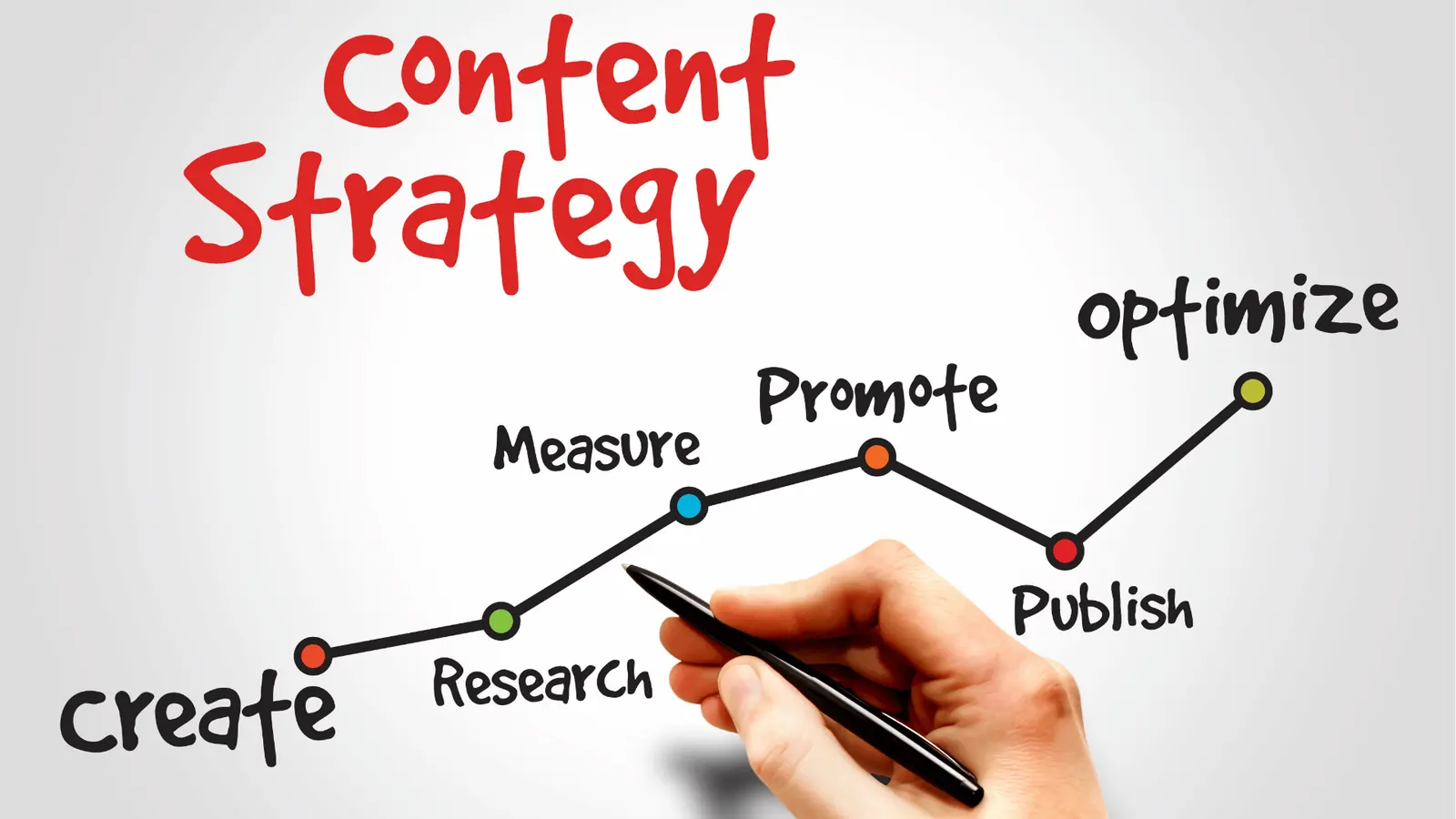
The calendar is where collaboration either works or quietly fails, because it is the one screen everyone opens. Three habits make a shared calendar hold up under agency volume:
- Status is visible without asking. Draft, pending, approved, scheduled. If your team has to message someone to learn a post's state, the calendar is decoration.
- The asset travels with the slot. Pull creative in from Canva or Google Drive at draft time. Folder links age badly and version confusion follows.
- One person owns each slot. Shared ownership means a post nobody chased. Assign it, even in a team of three.
For agencies, the compounding win is brand isolation. Ten client brands in ten workspaces means a new freelancer sees exactly one calendar, and the offboarding conversation takes thirty seconds.
Your next step
Pick the two tools from the table that match how your clients actually behave, then run the same real week of content through both: draft, one round of feedback, client sign-off, publish. Count the emails each one generated.
The tool with the shorter count is your answer, whatever the feature grid said. If that week includes clients who will never log into anything, try the free plan and send one portal link before you decide.



 Google review
 Trustpilot review
 Product Hunt comment