

















A reminder works when it fires before the step that is late, not on the day the post is due. Use a five-step countdown: brief at day -7, draft at day -4, review at day -2, assets locked at day -1, and a final check at publish. Each reminder goes to one named person.
TLDR: Five reminders per post, counted backward from publish day, each sent to the owner of that step only. Mute everything else.
Mydrop data, September 2026: in the 30 days to 16 September 2026, 98.5% of posts published through Mydrop went live at the first attempt. The most common warning was a YouTube custom thumbnail rejected because the channel was not phone-verified; the most common hard failure was an expired platform connection. Method in the Mydrop social media benchmarks.
Why a reminder on publish day is too late
By publish day, the work is either done or it is not. A reminder then only tells you the bad news. Missed posts almost always trace back to an earlier step: nobody wrote the caption, the image was not uploaded, or approval was still pending.
So reminders should sit on the handoffs. Every handoff is a place where work waits for someone, and waiting is where deadlines go to die.
The five-step countdown
| When | Reminder | Goes to | Done when |
|---|---|---|---|
| Day -7 | Brief is written | Strategist or account manager | Topic, angle and link are on the card |
| Day -4 | Draft is due | Copywriter or creator | Caption and visual attached |
| Day -2 | Review is due | Approver or client | Approved, or changes requested |
| Day -1 | Assets and links locked | Scheduler | Post is scheduled with final media |
| Day 0 | Spot-check | Scheduler | Post is live and the link works |
Shorten the gaps for a fast-moving account (day -3, -2, -1, 0 works for daily posting), but keep the five roles. A solo manager can still use the schedule: the roles are all you, but the dates stop you from doing everything the night before.
Send each reminder to one person
A reminder sent to the whole team is read by no one. Each person assumes another will act. Rule of thumb: one reminder, one owner, one action.
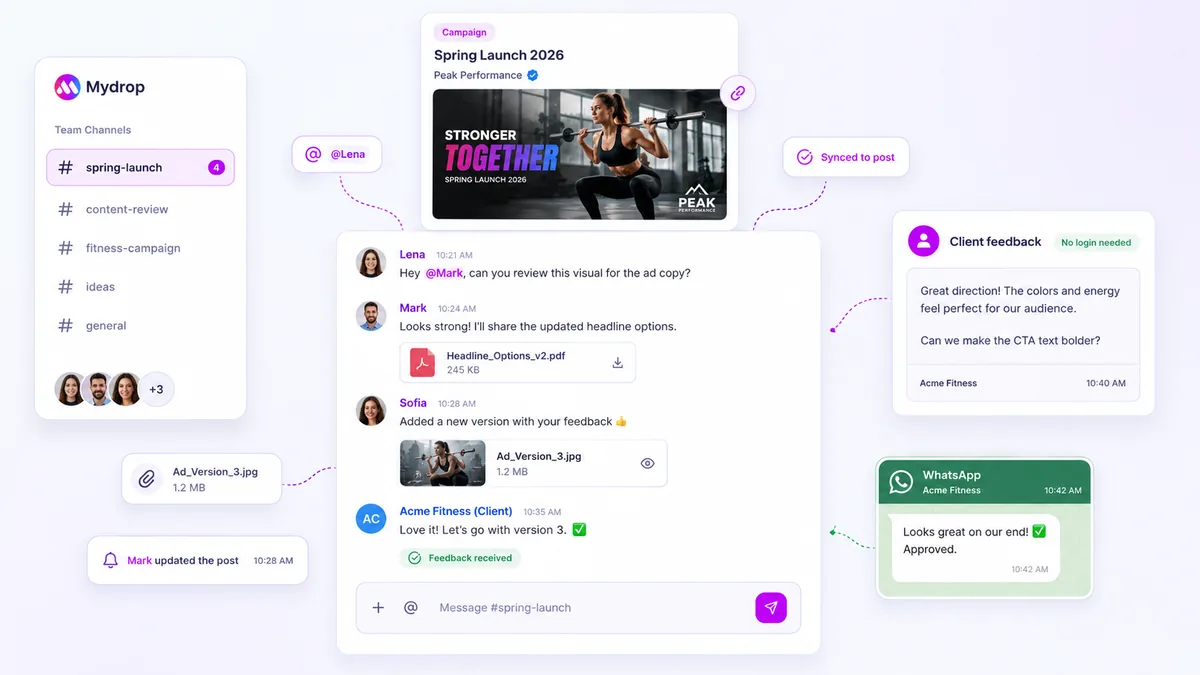
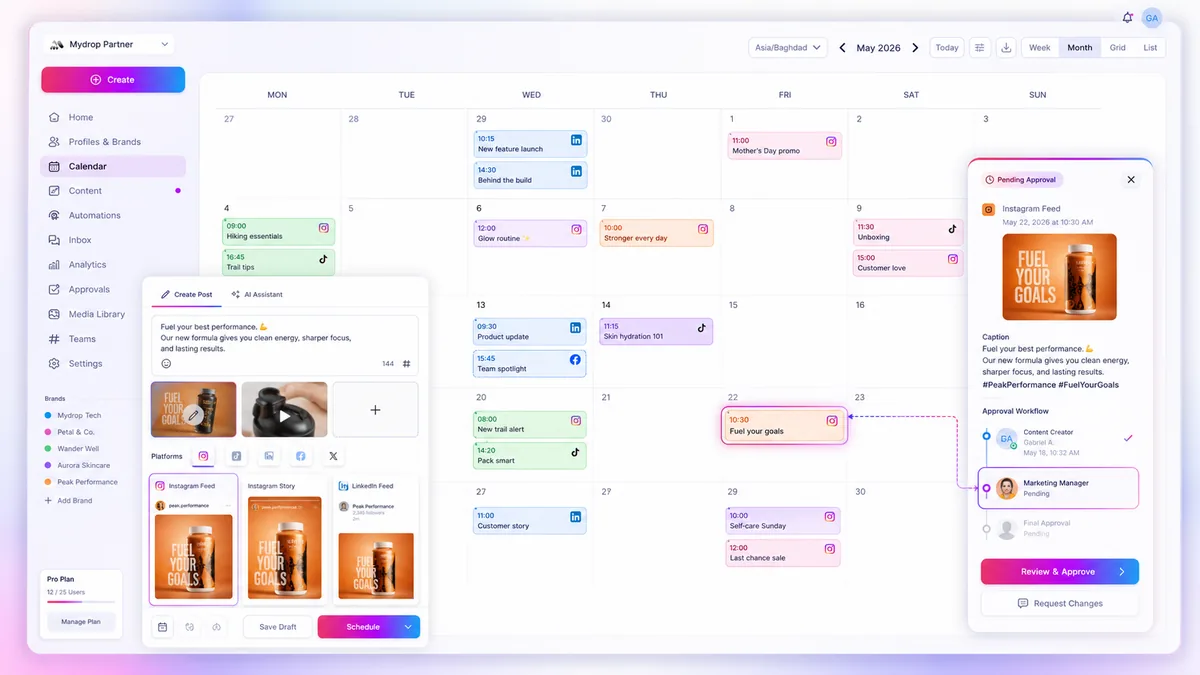
This is also why a reminder inside a content calendar beats a generic to-do alert. It carries the post, the draft and the deadline, so the person can act from the notification without searching.
In Mydrop, the social media calendar holds drafts and statuses per post, and approval workflows let a reviewer or a client approve without logging in through the client portal. That means the day -2 reminder can end in a single click.
Chase approvals without becoming the villain
Approvals are the step that stalls most often, because the approver is usually busy with something else. Two small habits help:
- Ask for a decision, not a review. "Approve or send me one change by Thursday noon" beats "please review".
- Send the nudge at 24 hours, then again at 4 hours before the deadline. Two nudges are polite. Five are noise.
Mydrop's data on posts that went through client approval shows a median of 6 hours from submission to approval, with 66% approved within 24 hours. The sample is small, but it means most approvers act quickly once they have the post in front of them. For a full nudge schedule, see automating approval reminders.
Use your existing calendar for the personal layer
Team reminders belong with the post. Personal reminders, like "film the Friday reel on Thursday afternoon", belong in the calendar you already check every day. If you work in Google Calendar, our calendar sync workflow shows how to link the two so a deadline appears in both places without retyping it.
Cut reminders that people ignore
Once a month, ask the team which alerts they mute. Remove those. Every unnecessary alert lowers the odds that the important one is read.
A simple test for each reminder: if it did not exist, would a deadline be missed? If the answer is no, delete it.
Build your countdown in ten minutes
Pick next week's three posts. For each, add the five dates counting back from publish day and assign an owner to each step. Check on Friday which reminders led to action and which were ignored.
To have the countdown sit on the post itself, try Mydrop free and add one brand to the calendar.

 Google review
 Trustpilot review
 Product Hunt comment





