

















When a scheduled post doesn't go out, check these seven things in this order: the platform connection, the caption limits, the media file, the time zone, a platform-specific rule, account permissions, and finally the platform itself. The first two explain most failures.
TLDR: In Mydrop's publishing data, 98.5% of posts went live on the first attempt in the 30 days to 16 September 2026. The most common hard failure was an expired platform connection, so reconnect the profile before you change anything else.
Mydrop data, September 2026: in the 30 days to 16 September 2026, 98.5% of posts published through Mydrop went live at the first attempt. The most common warning was a YouTube custom thumbnail rejected because the channel was not phone-verified; the most common hard failure was an expired platform connection. Method in the Mydrop social media benchmarks.
The 7 checks, from most to least likely
| # | Check | What you see | Fix |
|---|---|---|---|
| 1 | Platform connection | Failure on every post for one profile | Reconnect the profile |
| 2 | Caption limits | One post fails, caption is long or hashtag-heavy | Cut to the platform limit |
| 3 | Media file | Upload error, wrong ratio, file too large | Re-export to the platform spec |
| 4 | Time zone | Post went out hours early or late | Check the calendar's time zone |
| 5 | Platform rule | Warning about a thumbnail, board or confirmation | Complete the missing field |
| 6 | Permissions | Worked last week, fails now | Check the account role and password changes |
| 7 | Platform issue | Many tools failing at once | Wait, then retry |
Check 1: reconnect the profile first
If every post for one profile fails, the login has lapsed. Platforms expire access tokens, and a password change or a removed admin role often sets it off.
Open the profile list, reconnect, and reschedule the failed posts. It takes two minutes and fixes more than all the other checks combined.
Check 2: compare the caption with the real limits
The scheduler checks your caption against the platform API before sending, and the API limits can be stricter than the app. In Mydrop's publisher the caps are these, except Instagram's 5-hashtag cap, a rule you keep yourself:
| Platform | Limit enforced |
|---|---|
| 2,200 characters, 5 hashtags | |
| TikTok | 2,200 characters, hashtags counted inside |
| X | 280 weighted characters |
| Bluesky | 300 characters |
| 500 characters of alt text |
Emoji and links can count for more than one character on X, which is why a caption that looks short can still be over.
Check 3: look at the media file, not just the caption
Wrong aspect ratio, an oversized video or a missing thumbnail fails the upload even when the caption is perfect. Re-export the file at the platform's size and duration limits and attach it again. Our guide to fixing broken links and media before scheduling covers the common file problems.
Check 4: confirm the time zone on the calendar
A post set for 9:00 in the wrong zone isn't a failure of the tool, but it looks like one. Check which time zone the calendar and the profile use, especially if your team is spread across regions.
Check 5: platform rules that only fail at send time
Some requirements are invisible until publish. The most common warning in our data was a YouTube custom thumbnail rejected because the channel was not phone-verified. Other examples are a Pinterest post with no board, or branded content that needs a confirmation.
Check 6: permissions that changed quietly
If the same profile worked last week, ask what changed: a new password, a removed page admin, a switched Instagram account type. Any of these can cut the connection without a visible warning in the calendar.
Check 7: the platform is the problem
If many tools and many profiles fail at the same time, check the platform's status page and wait. Retrying every five minutes just creates duplicates.
Stop running this checklist by hand
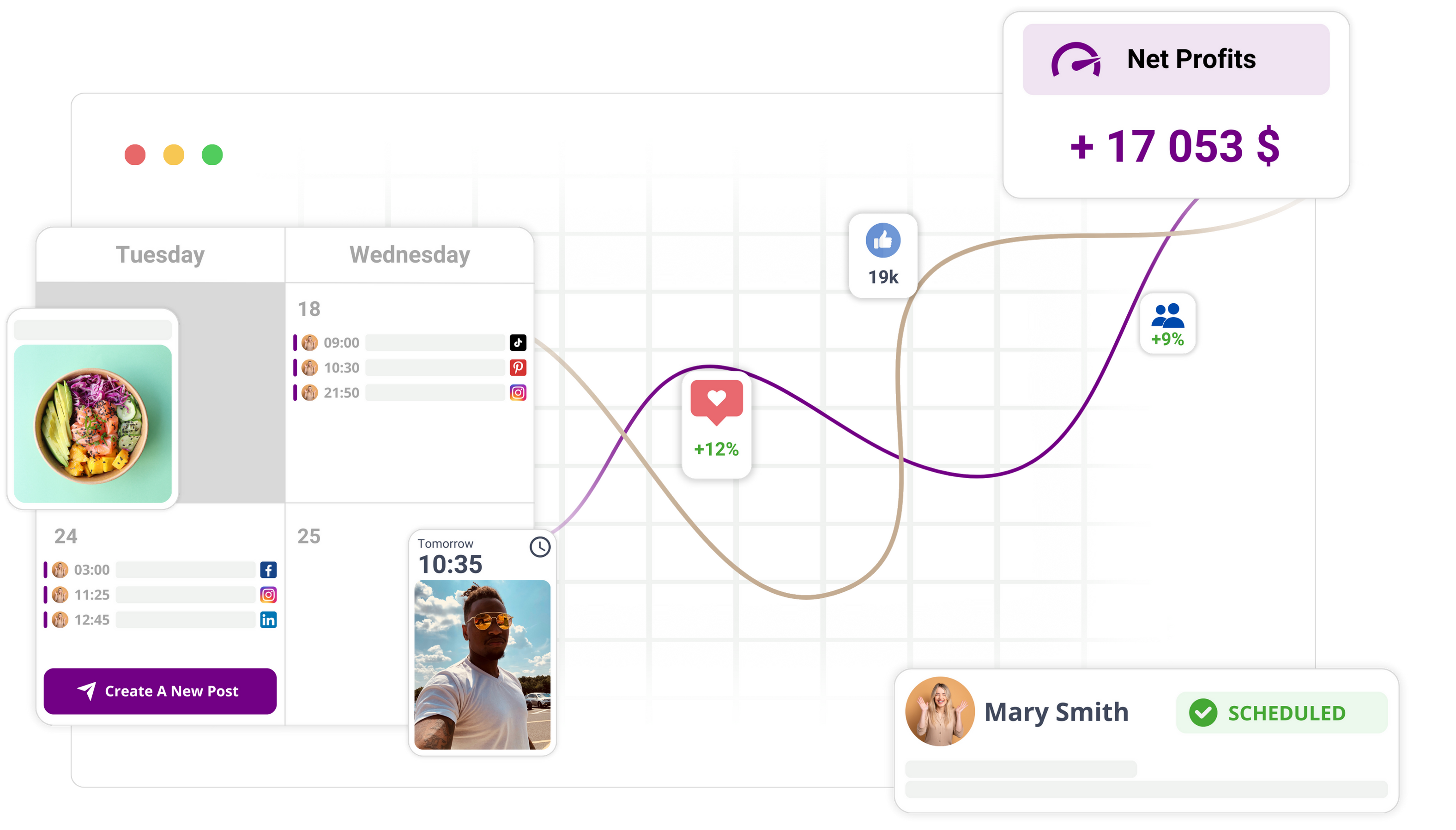
Most of checks 2, 3 and 5 can be caught before the post is queued. Mydrop's pre-publish validation runs them while you can still fix the post, and a red marker on the calendar shows which scheduled entry has a problem.
Next step: open your last failed post and walk the table top to bottom. If it was check 1, reconnect the profile and look at the rest of the week's queue today.

 Google review
 Trustpilot review
 Product Hunt comment





