
















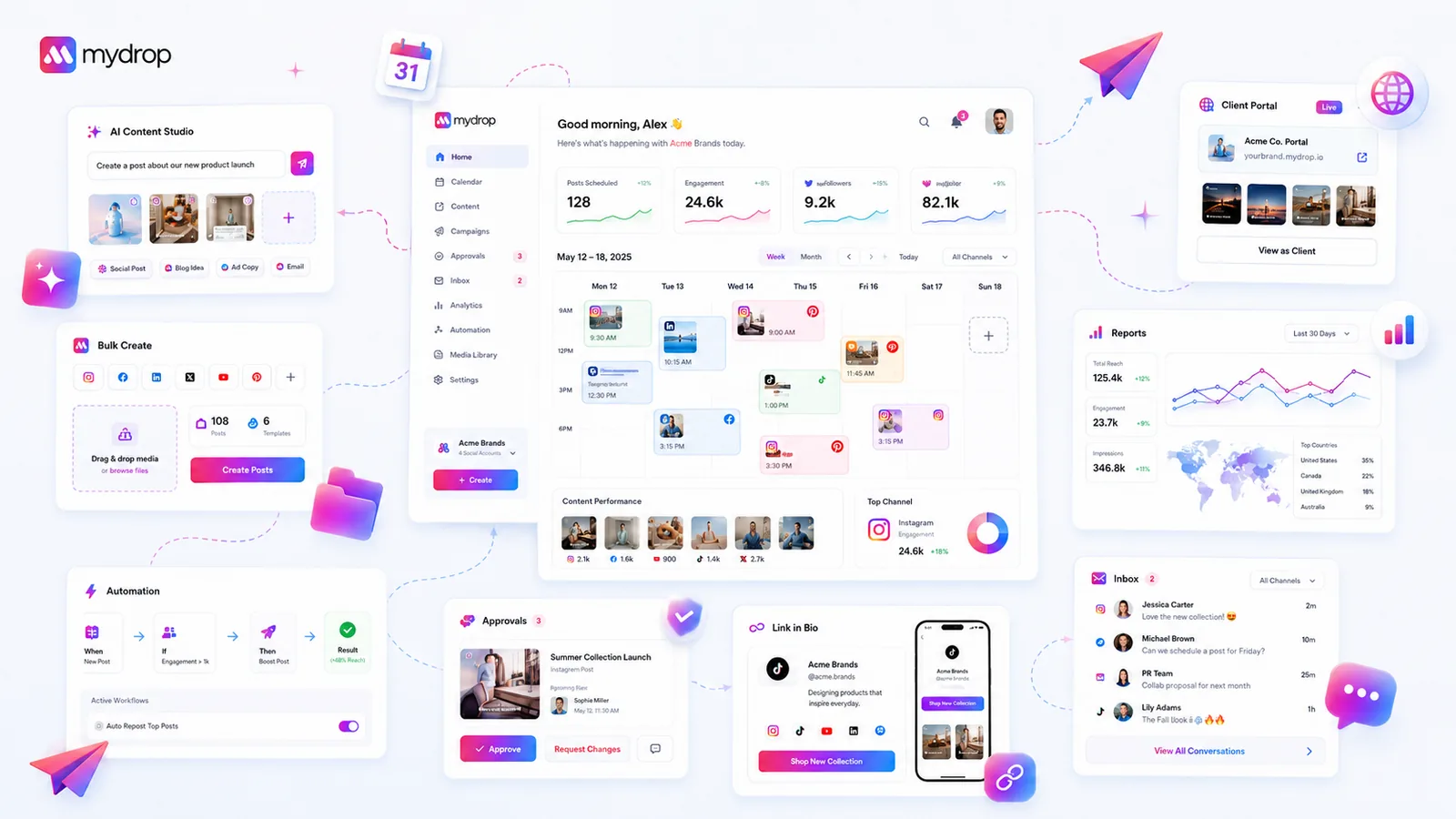
A multi-brand resource hub needs eight things for each brand: voice notes, approved assets, platform rules, the approval path, contacts, a reporting calendar, connection owners and a launch checklist. Write all eight down and make them easy to find, and new hires stop asking in chat, and you stop being the wiki.
TLDR: Don't buy a bigger knowledge base. Write eight short answers per brand, store them where the work happens, and give each one an owner and a review date.
Mydrop pricing check, September 2026: the entry paid plans of the eight tools most often compared with Mydrop run from $6 per channel (Buffer) and $25 a month (Later) to $99 per user (Hootsuite) and $79 per seat (Sprout Social), taken from each vendor's pricing page. Mydrop is free to start, then $19 a month flat, not per seat. Full table on Mydrop's compare pages.
The eight things people ask you for most
These are the questions that fill a team channel. Each row is one short page per brand.
| # | Page | The question it answers | Keep it to |
|---|---|---|---|
| 1 | Voice notes | How does this brand sound? | 5 do and don't lines, 3 sample captions |
| 2 | Approved assets | Which logo and photos can I use? | One folder, one naming rule |
| 3 | Platform rules | What are the limits and no-go topics? | One line per platform |
| 4 | Approval path | Who signs off, and how fast? | Names and a deadline |
| 5 | Contacts | Who do I call about a problem? | Two names, one backup |
| 6 | Reporting calendar | When does the client expect numbers? | Dates and format |
| 7 | Connection owners | Who can reconnect this profile? | One name per profile |
| 8 | Launch checklist | What do I do before a campaign goes live? | 8 to 10 ticks |
Start with rows 1, 4 and 7. Those three cause the most rework when they're missing.
Platform rules save more time than people expect
Row 3 is the one teams skip, then regret. Caption limits don't match what the app shows you while you type. Checked by Mydrop's publisher, September 2026: TikTok allows 2,200 characters with hashtags counted inside the caption, X allows 280 weighted characters, and Instagram's API rejects captions over 2,200 characters. Instagram also caps posts and Reels at 5 hashtags, a rule you have to keep to yourself.
Put those numbers in the hub once. Then nobody has to learn them from a failed post.
Put each page where the work happens
A hub fails when it lives in a separate wiki nobody opens. Three placement rules help:
- Link the page from the task. The approval path belongs next to the approval, the voice notes next to the composer.
- Use one naming rule for every brand.
brand-name / month / assetis enough. Search then works the same way on every brand. - Give every page an owner and a review date. An out-of-date page is worse than no page, because people trust it.
Show new people their progress, not a reading list
New hires do better with a short list of real first steps than with a library. A good first week on one brand looks like this: connect the profiles, upload the media, schedule the first post, send it for approval.
In Mydrop, the home screen carries a Quick Start checklist that tracks those milestones from real activity, such as connected profiles, uploaded media and posts you made yourself. Recent notes and reminders show up there too, so the next action sits right where you land. For the full first-month plan, see the 30-step onboarding checklist.
Keep the hub from rotting
Pages decay quietly. A simple routine prevents it:
- On the first Monday of each month, each brand owner opens their eight pages.
- They fix anything that's wrong and update the review date.
- They delete anything nobody opened in the last quarter.
That's 20 minutes per brand per month. It costs less than one 30-minute walkthrough for a single new hire.
Build rows 1, 4 and 7 this week
Pick your noisiest brand. Write the voice notes, the approval path and the connection owners in under an hour, and link them from the place your team schedules. Then count how many questions about that brand reach your inbox next week.
If you work across clients, our workspaces keep each brand's calendar, assets and roles together, so the hub pages have an obvious home. You can start free and set up one brand to test it.
 Google review
 Trustpilot review
 Product Hunt comment





