
















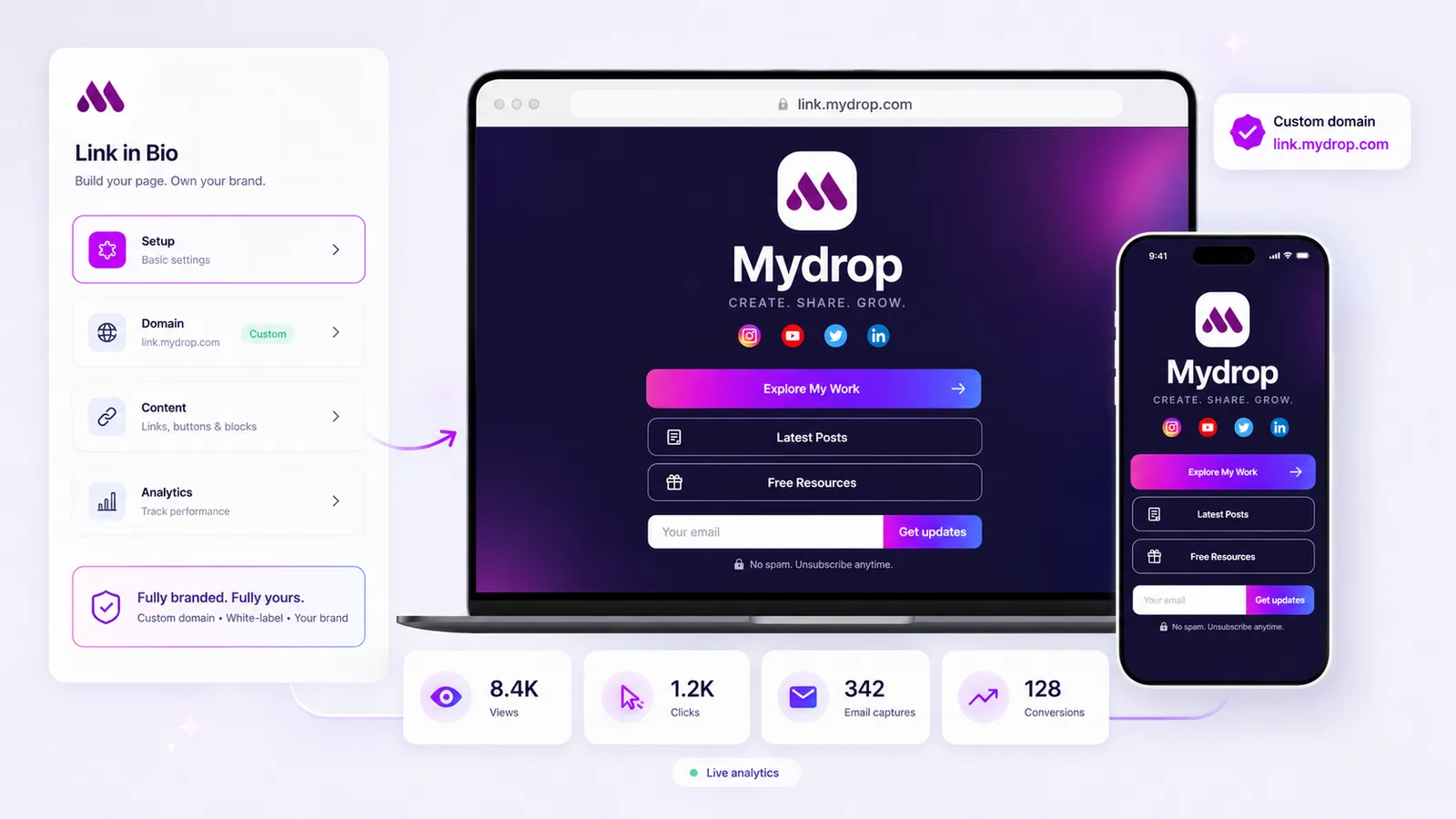
The best link in bio tool for a data-driven marketing team is the one that tells you which button, from which platform, in which campaign, led to the visit on your site, and hands that to GA4 without losing it on the way. In practice that means four things: clicks counted per button, UTM tags read on the way in, UTM tags written on the way out, and room for your own analytics tag on the page.
A page-view count and a click total are not enough. Below is the checklist and the setup that turn the bio page into a source you can report on.
TLDR: Tag the bio URL itself per platform, tag every outgoing button, and let GA4 on your site do the attribution. Pick a tool that records incoming UTM values and per-button clicks on the page, so the two reports agree.
Mydrop pricing check, September 2026: the entry paid plans of the eight tools most often compared with Mydrop run from $6 per channel (Buffer) and $25 a month (Later) to $99 per user (Hootsuite) and $79 per seat (Sprout Social), read on each vendor's pricing page. Mydrop is free to start, then $19 a month flat, not per seat. Full table on Mydrop's compare pages.
The four numbers a bio page owes your analytics team
A good bio page answers four questions:
- Where did the visit come from? Instagram bio, TikTok bio, a story sticker, a newsletter footer.
- Which button earned the click? Per button, not per page.
- What happened on the page? An email capture is a conversion that never reaches your site.
- What happened after the click? A signup, a demo request, a purchase. That lives in GA4, tied back by UTM tags.
If a tool only answers question 2, you will be guessing at the other three in a spreadsheet every month.
Instagram hides the source, so the UTM has to come from you
In our experience, traffic from in-app browsers often arrives with a thin or missing referrer. Untagged, it lands in GA4 as direct or unassigned.
The fix is two layers of tags:
- Tag the bio URL per platform. Put
?utm_source=instagram&utm_medium=bioon your Instagram profile link andutm_source=tiktokon TikTok's, so the page knows the source. - Tag every outgoing button. Each button carries its own
utm_campaignandutm_content, so GA4 credits the right campaign and button.
Mydrop's link-in-bio pages do both halves. The page records the incoming utm_source, utm_medium, utm_campaign, utm_term and utm_content with every view, and you can add UTM parameters to each button and campaign link in the editor.
Test these seven things in a free trial
| Capability | Why a data team cares | How to test it in 10 minutes |
|---|---|---|
| Clicks per button | Tells you which offer works | Click two buttons from your phone, check both counts |
| Incoming UTM captured | Splits Instagram from TikTok | Open the page with ?utm_source=test, find "test" in the report |
| UTM on outgoing buttons | GA4 credits the bio page | Click a button, read the URL that opens |
| Your own tag on the page | GA4 page views, ad pixels | Look for a custom HTML or code block |
| Email capture counted | On-page conversions are visible | Submit a test email, check the capture count |
| Country, device, referrer | Spots a broken mobile layout | Look for a daily breakdown, not one total |
| Custom domain | Keeps the page on your brand's domain | Connect a subdomain like links.yourbrand.com |
Mydrop passes all seven: views, button clicks, captures, countries, devices, referrers and UTM values per page and per day, plus a custom HTML block for a GA4 or pixel tag.
Two ways to wire GA4 to a bio page
Option A: tags only. Leave GA4 off the bio page and rely on the UTM tags on each button. GA4 on your site sees every session from the bio page with source, campaign and button. For most teams this is enough.
Option B: GA4 on the page too. Add your GA4 tag through a custom HTML block so bio page views show up in GA4. Do this when you want remarketing audiences or one funnel from bio view to purchase.
Start with A. Move to B when someone asks for the funnel.
Write one naming rule before anyone adds a button
Reports break on spelling. Instagram, instagram and ig become three sources in GA4. Agree on this once:
utm_source   = instagram | tiktok | linkedin | youtube
utm_medium   = bio
utm_campaign = campaign-slug (lowercase, hyphens)
utm_content  = button-name (lowercase, hyphens)
Then a new teammate cannot invent a fourth spelling.
Why the bio link deserves this much care
In Mydrop's data, posts with a link in the caption ran 7% below their account's typical post. The bio is where your measurable traffic lives, so track it like a paid landing page.
Mydrop also keeps the bio page next to the post performance data for the posts that drove the visits, so you see which post sent traffic and which button turned it into a lead.
Run a 14-day attribution test before you commit
- Connect a subdomain and build one page with three buttons.
- Tag the bio URL on each platform and every button, using the naming rule above.
- After 14 days, compare the tool's per-button clicks with GA4 sessions per
utm_content. They should be close. - If not, run these link in bio analytics checks before blaming the tool.
Where the captured emails go next is covered in link in bio email capture and CRM. To run the test today, build the page free at app.mydropai.com/register and tag the first button before you design anything.

 Google review
 Trustpilot review
 Product Hunt comment





