
















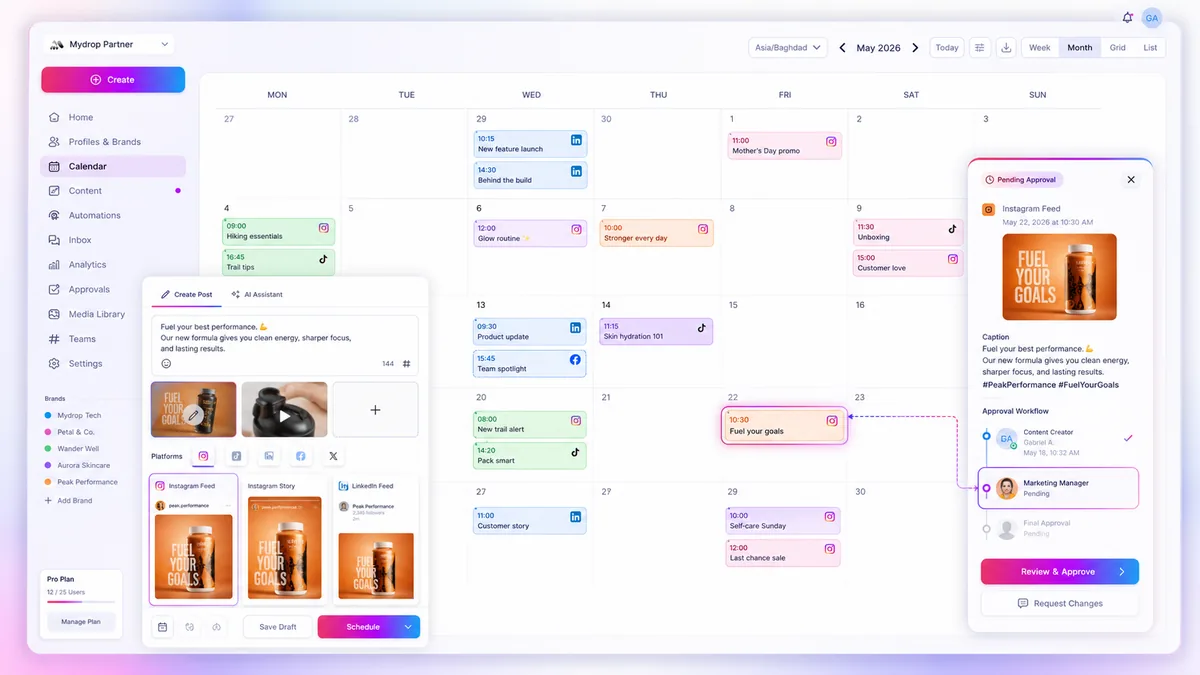
You don't need a special error tracker. You need one view of failures, a label on each, and a daily 10-minute routine. Most failed posts in agency work come from three causes, and two of them are fixed by a reconnect or a re-upload.
TLDR: Every morning, open the list of failed and warned posts, label each with a cause (connection, media, caption limit, permission), fix by cause, and log the count. In Mydrop's data, 98.5% of posts published at the first attempt in the 30 days to 16 September 2026. The top hard failure was an expired platform connection. The top warning was a rejected YouTube thumbnail.
Mydrop pricing check, September 2026: the entry paid plans of the eight tools most often compared with Mydrop run from $6 per channel (Buffer) and $25 a month (Later) to $99 per user (Hootsuite) and $79 per seat (Sprout Social), read on each vendor's pricing page. Mydrop is free to start, then $19 a month flat, not per seat. Full table on Mydrop's compare pages.
Why failures are hard to spot in agency work
With 20 clients you can't open 20 native apps every morning. A post that fails at 9:00 stays failed until someone notices a client has gone quiet on Friday. The real cost isn't the failed post. It's the days between the failure and the moment you find it.
So the first job of any error tracking is visibility by client and by day, not analysis.
The four causes, and the fix for each
| Cause | What it looks like | Fix |
|---|---|---|
| Expired connection | Every post for one profile fails | Reconnect the account, then retry |
| Media problem | One post fails, or the video is rejected | Re-export at the platform's size and format, re-upload |
| Caption limit | The post fails or is rejected at send time | Shorten it. Platforms count differently from the app |
| Permission or verification | A warning, not a failure | Fix the account setting, such as phone verification for custom YouTube thumbnails |
In our own data, the most common hard failure was an expired platform connection, and the most common warning was a custom YouTube thumbnail rejected because the channel wasn't phone-verified. Both are account problems, not content problems. That's why a reconnect check belongs at the top of your routine.
The 10-minute morning routine
- Open the failed and warned list for today and yesterday, across all brands.
- Group by client. Lots of failures on one client means a connection. A single failure means one post.
- Label the cause from the table above.
- Fix and retry, starting with the posts due in the next two hours.
- Tell the client only if it changes what they see: a delayed launch post is worth a one-line message.
- Log it: date, client, cause, time to fix.
Done properly, steps 1 to 4 take about ten minutes on a normal day.
Count failures by cause, not by number
A week of logs gives you a short table. Maybe 5 failures: 3 from one expired connection, 1 media, 1 caption. The lesson is to renew that connection ahead of time, not to "be more careful".
Two numbers are worth tracking each month:
- First-attempt success rate: posts that went live without a retry, divided by posts sent.
- Median time to fix: from the failure to the retry that worked.
If either gets worse, look at the log before you look at the team.
Stop the failures before they happen
Most of these failures can be caught before the schedule. Use post preview to see how a caption and image will land, and validate each row in a batch before it queues, as described in catching errors before you schedule. Check platform caps in your scheduler. In Mydrop's publisher, for example, X is held to 280 weighted characters and Instagram to 2,200 characters. Instagram also caps posts and Reels at 5 hashtags, a rule you keep yourself.
Add an approval step for client posts through social media approvals. A second reader catches the wrong link, and that's a failure no tool sees.
Build the routine into your week
Set a 10-minute calendar slot at the start of the day, and put the list of failures at the top of the screen. After two weeks you'll know your three most common causes. Fix those at the source and the routine shrinks to a glance. To see all of your clients' statuses in one calendar, you can try Mydrop free at app.mydropai.com/register.



 Google review
 Trustpilot review
 Product Hunt comment





